Housing
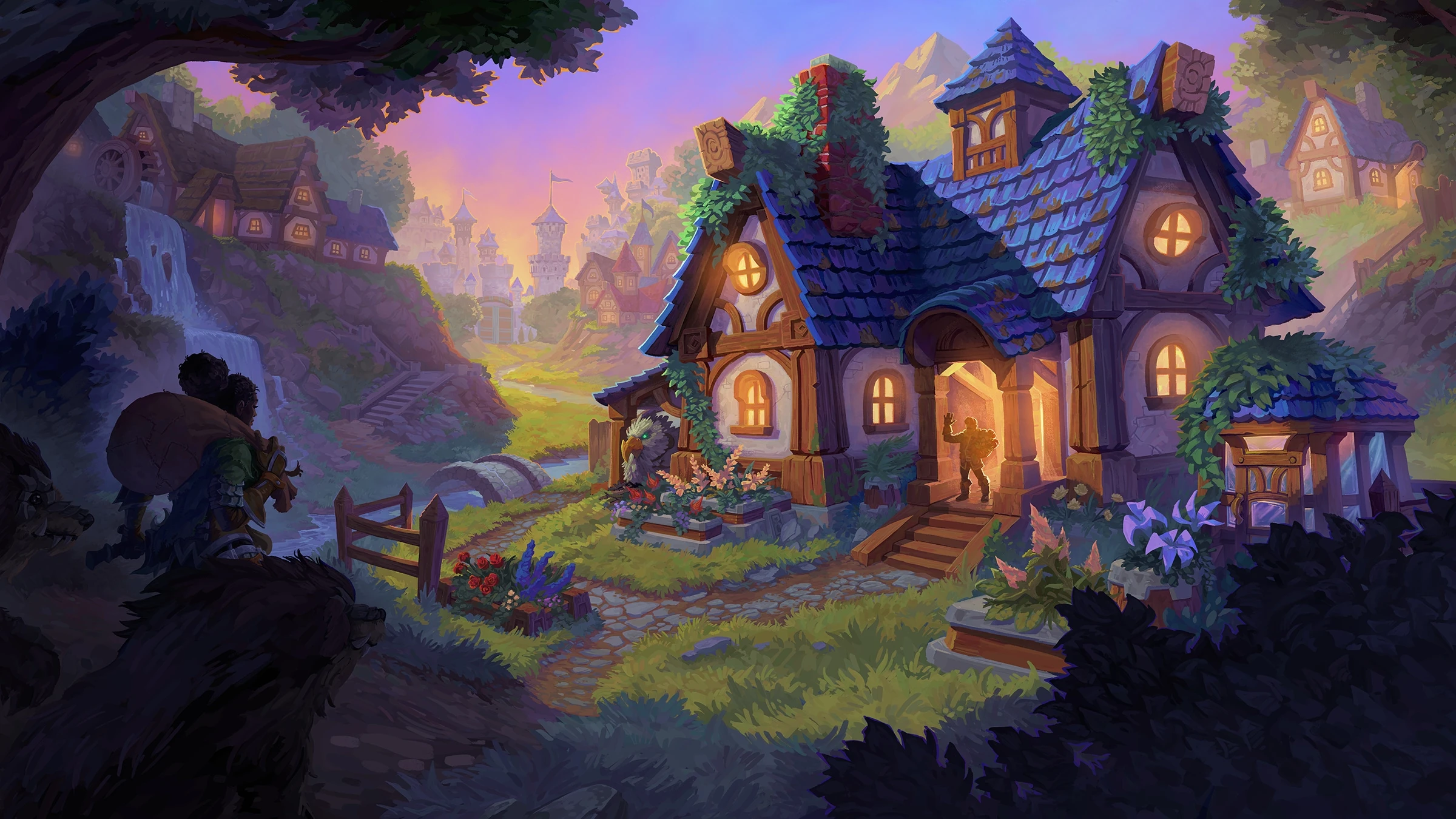
Housing arrives in World of Warcraft with Patch 11.2.7 as an Early Access feature for players who own the Midnight expansion. The system lets players purchase a home, place it inside a neighborhood, decorate it with furniture and collectibles, and share the space with their Warband or other players.
Video
Index
1. Housing Intro
2. Requires
3. How unlock
4. Neighborhoods & Plots
5. Home Customization
6. Decor Collection
7. Warband Housing System
8. How Start
9. Dashboard dell’Housing
10. House Finder
11. Décor Collection & Placement Interface
12. Activities / Neighborhood Tab
13. Online Housing Tools
14. Home Bound
15. Addon Decor Vendor
Housing Intro
Housing arrives in World of Warcraft with Patch 11.2.7 as an Early Access feature for players who own the Midnight expansion. The system lets players purchase a home, place it inside a neighborhood, decorate it with furniture and collectibles, and share the space with their Warband or other players.
Requires
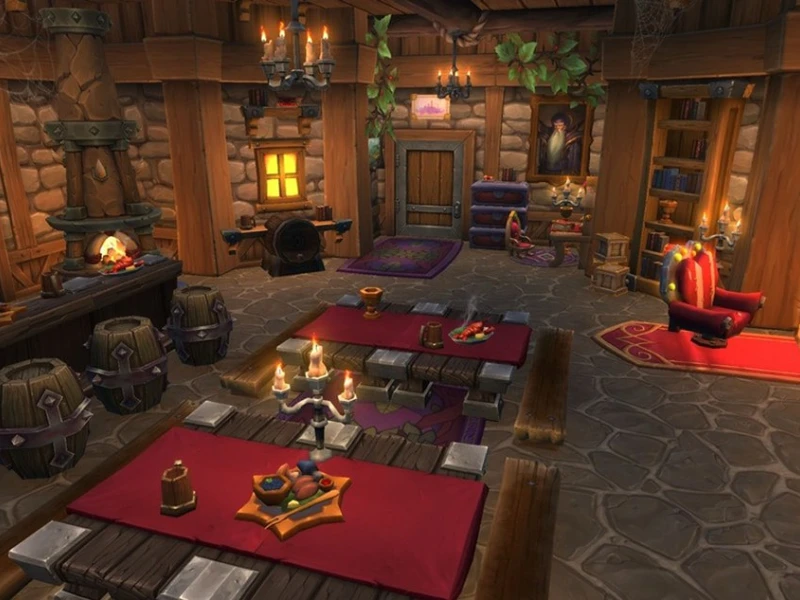
- If you own Midnight: you get full access to the housing system, can purchase a home, join a neighborhood, and decorate freely.
- If you do NOT own Midnight: you may collect decorations and visit neighborhoods, but cannot purchase a home or become a resident.
How unlock
New players receive a dedicated tutorial at the end of the introduction experience.Returning players get a quest that directs them to the first neighborhood.
Both are guided step-by-step through:
- choosing a house
- selecting a plot
- using their first decorations
- learning how the building interface works
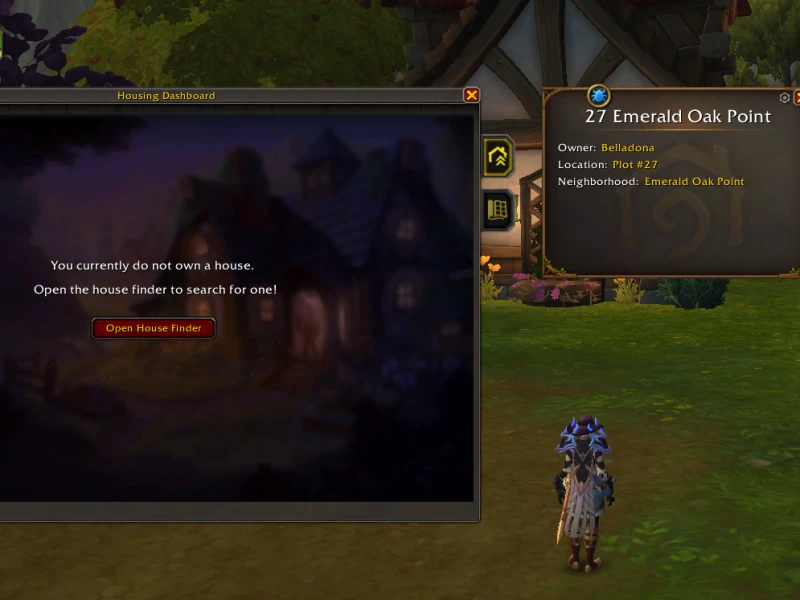
Neighborhoods & Plots
Neighborhoods are shared housing zones where players can purchase a plot. Each plot hosts a single house.
There are three types:
- Public: filled with other players, ideal for socializing or getting inspiration.
- Private: personal instances, accessible only to you and your guests.
- Guild Neighborhoods: entire zones reserved for your guild or group.
You may move between neighborhoods and relocate your house to new plots.
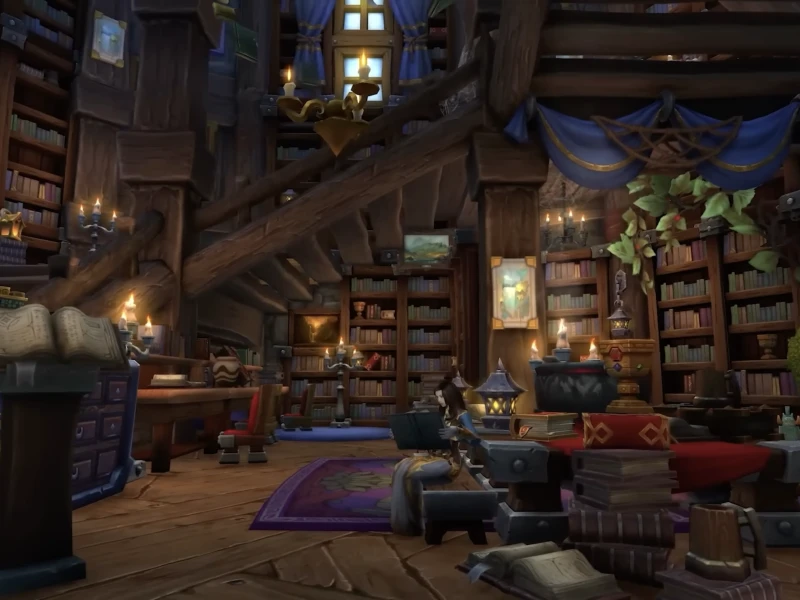
Home Customization
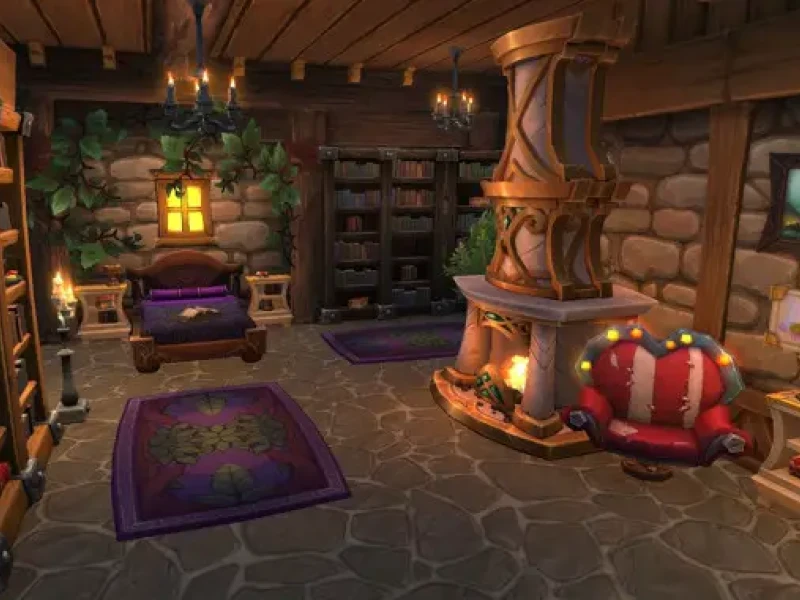
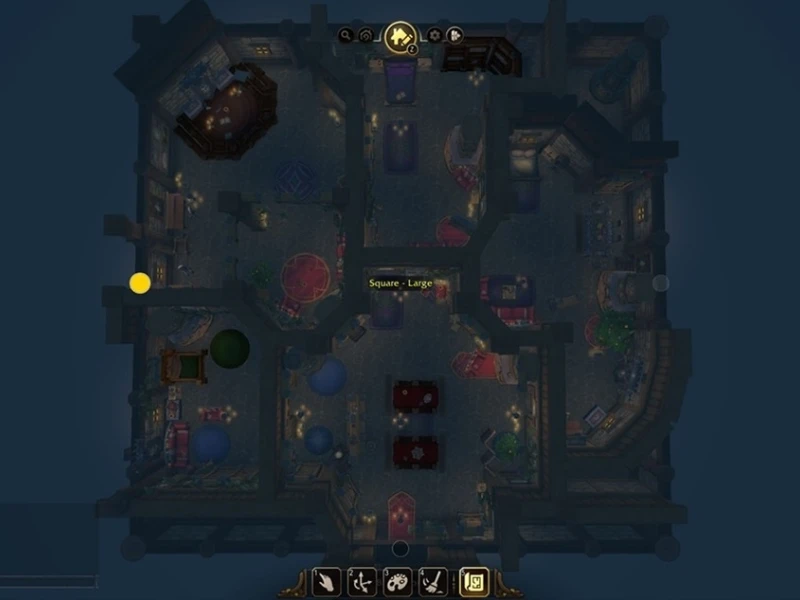
House interiors are fully customizable through the “Room Decorating” mode.
You can choose:
- the house layout
- the number and position of rooms
- furniture, rugs, lights, shelves, statues, walls, and floors
- precise rotation and movement of each object
- furniture recolors and materials via the dyeing system
Decoration is Warband-wide: all characters on your account can access the same home.
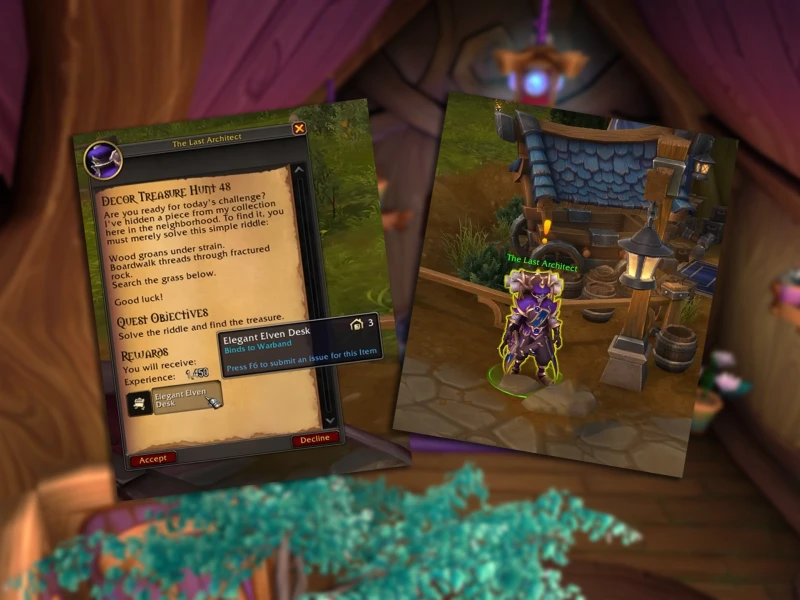
Decor Collection
Decorations can be obtained from:
- dedicated questlines (including Lorewalking)
- old dungeons and raids
- reputations and special vendors
- events like Brawler’s Guild and Timeways
- professions such as Alchemy and Inscription for dyes
- dedicated achievements
Once unlocked, a decoration becomes permanently available to your entire Warband.

Warband Housing System
Housing does not grant power or gameplay advantages: it is a purely cosmetic and social system.
Progression comes from:
- expanding your collection
- upgrading your home layout
- completing neighborhood objectives
- creative and aesthetic customization
How Start
- Complete the introductory quest.
- Start in a public neighborhood.
- Purchase a simple plot and basic layout.
- Complete the initial housing quests for starter furniture.
- Do the Elven Lorewalking for themed decorations.
- Start collecting decorations from vendors, professions, and events.
Dashboard dell’Housing
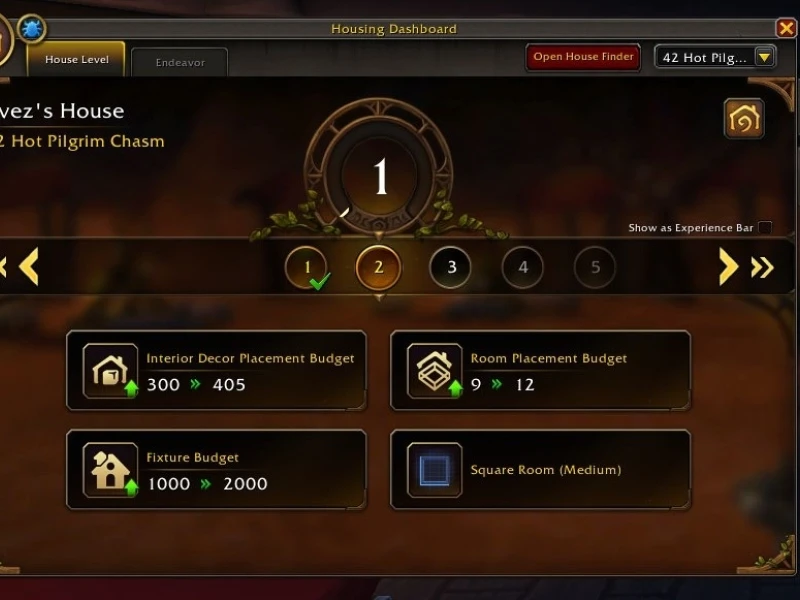
The Housing Dashboard is the main control panel where you manage your home, neighborhood, décor collection, and progress.
It features multiple tabs: “House Level”, “Endeavor”, and a button labelled “Open House Finder” for selecting plots or neighborhoods.
- In the House Level tab you’ll see your home’s level, number of rooms, decoration limit, and upcoming rewards.
- The Endeavor tab displays neighborhood tasks: community objectives with rewards such as Neighborhood Favor and currency.
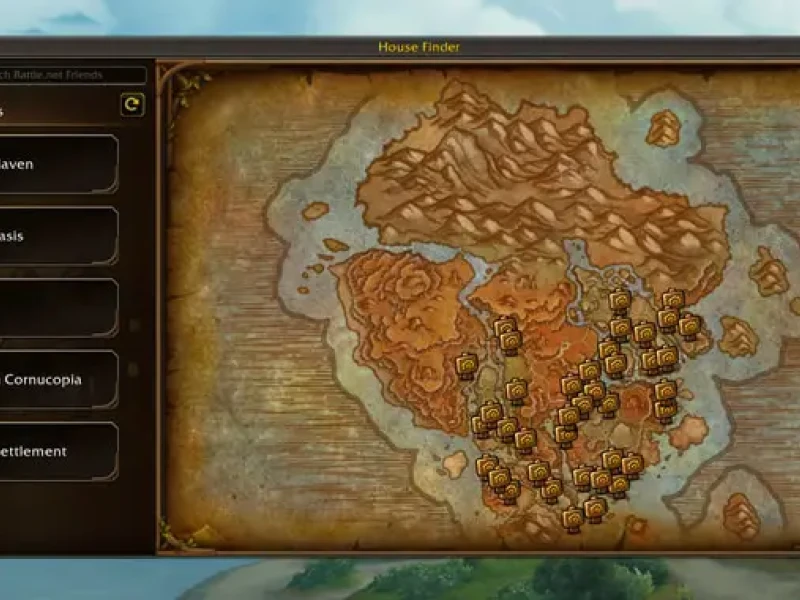
The House Finder button opens a map or menu to select a neighborhood, check free plots, view costs, and teleport to the plot.
House Finder
- Displays a map with icons for each neighborhood and their status (public/private/guild).
- Sidebar shows list of neighborhoods with filters and info such as plot availability.
- After selecting a neighborhood, you can preview available plots, purchase or reserve them, and teleport directly to the plot to inspect it.
Décor Collection & Placement Interface
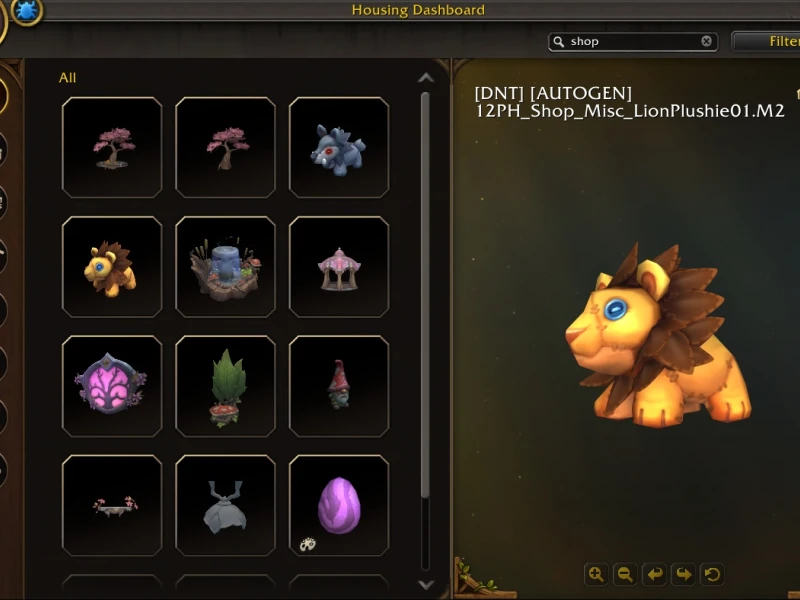
The décor collection screen lists all unlocked furnishings and decorations, grouped by categories (e.g., Structural, Furnishings, Lighting, Nature, Misc).
In decoration mode, you select an item, preview it in your room, place, rotate, resize (if supported), change colors via dyes, and utilize advanced tools for precision placement. Blizzard’s article confirms two modes: Basic and Advanced.
The UI shows slot limits (e.g., “300 slots remaining”) and supports object parenting: place smaller items on larger items and move them together.
Activities / Neighborhood Tab
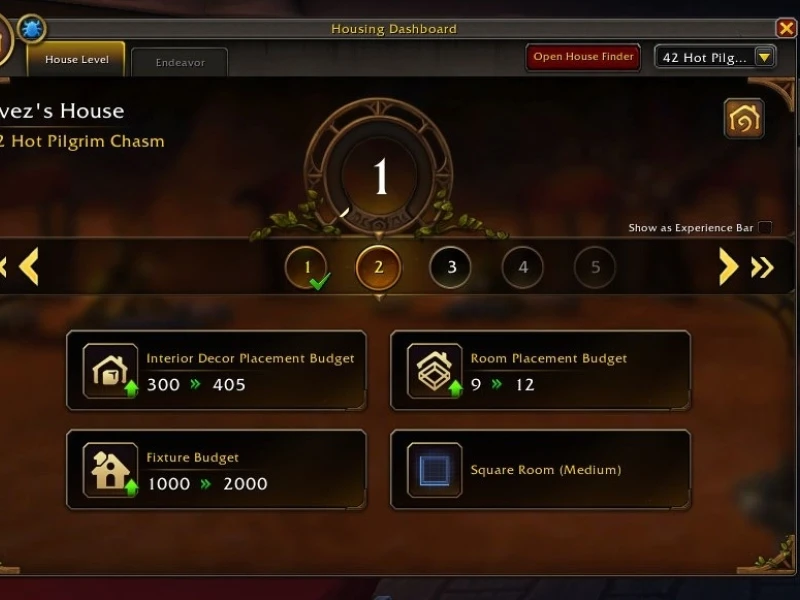
- In the Dashboard’s Endeavor tab you’ll find active tasks for your neighborhood, e.g., “Artistic Aid”, “Be a Good Neighbor”, each showing rewards and time remaining.
- Completing these tasks increases neighborhood level, unlocks collective bonuses, and provides décor rewards or neighborhood currency.
Online Housing Tools
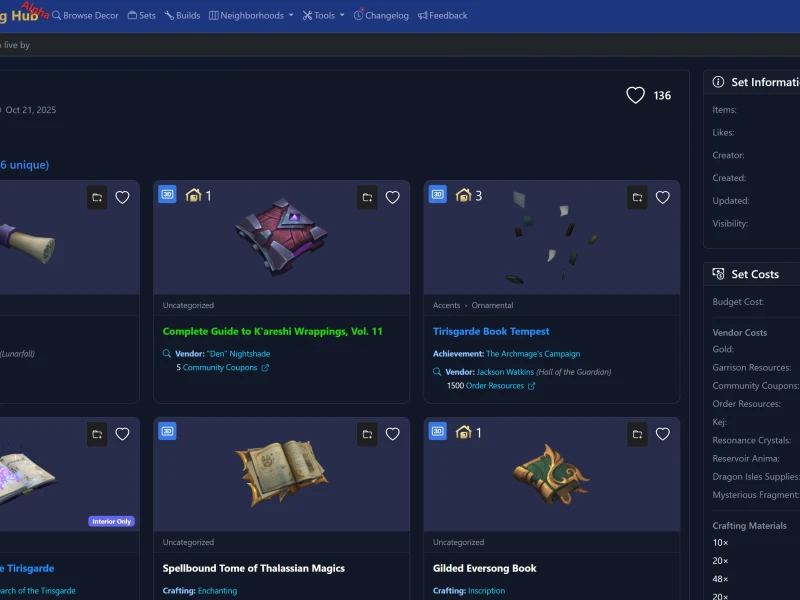
It is a platform dedicated exclusively to World of Warcraft’s housing system, designed to help players:
- quickly browse every available housing item
- view previews and styles to create “inspirational” sections
- offer readers ready-made furnishing ideas
- list precisely how and where each decoration can be obtained
- create suggested layouts using the built-in floorplan editor
Home Bound
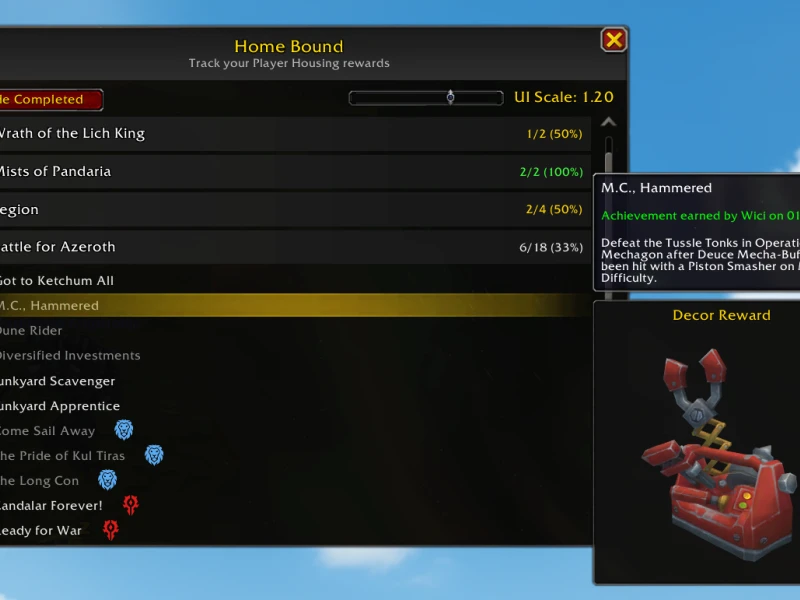
Home Bound is an addon designed to help you track and organize the furniture and décor items tied to the upcoming player housing system in WoW — even before the feature officially launches. Icy Veins
When playing on live servers (before housing is released), the addon lets you preview all décor rewards obtainable through achievements, complete with 3D models, and keeps track of what you already have and what you’re still missing. CurseForge
Key Features
- Provides a clear checklist of all achievements that reward décor items for your future home. CurseForge
- Shows 3D previews of furniture and decorations so you instantly know what each reward looks like. Reddit
- Lets you filter completed achievements, helping you focus only on what’s left to collect. CurseForge
- Helps you plan and organize your progress so you know exactly which rewards to target next. Icy Veins
How to Use
- Type orin-game to open the addon window. CurseForge
- Browse achievements organized by category. CurseForge
- Use the “Hide Completed” option to show only rewards you’re still missing. CurseForge
- Check the 3D previews to see what each décor item looks like and decide what to work on first.
Addon Decor Vendor
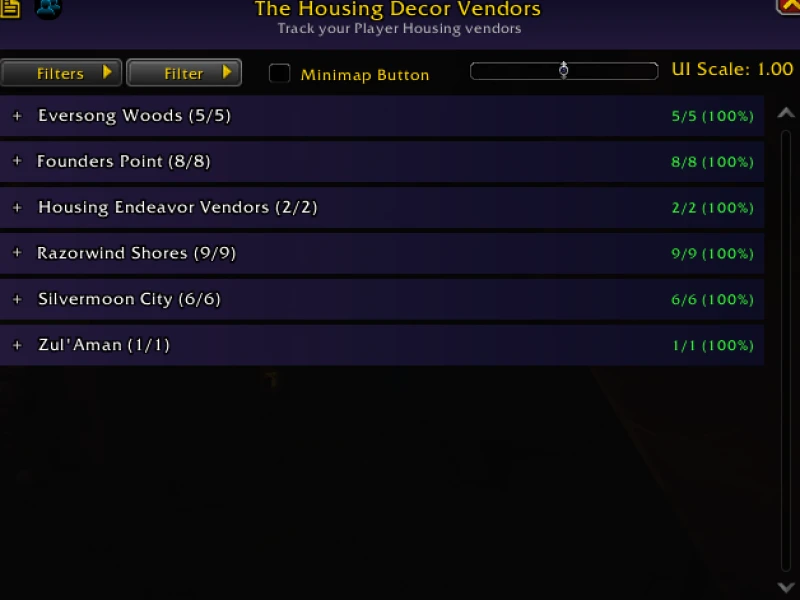
Decor Vendor is a lightweight, user-friendly World of Warcraft addon that helps you track, organize, filter, and locate decoration vendors across every expansion.
With smart filters, color-coded vendor names, and waypoint support, you’ll always know exactly where to go next!
Features
Filter Buttons (What They Do)
- 🟦 Alliance – Shows Alliance-only vendors.
- 🟥 Horde – Shows Horde-only vendors.
- 🟩 Neutral – Shows vendors available to both factions.
Vendor Name Color Meanings
- 🔵 Blue – Alliance vendor
- 🔴 Red – Horde vendor
- 🟢 Green – Neutral vendor
Frequently Asked Questions
Yes. You can relocate your house at any time to a different neighborhood or to another plot within the same one. You do not lose decorations or interior settings.
No. House relocation is free in Patch 11.2.7. Future updates may add cosmetic resource costs, but not gold.
Yes. You can change the layout anytime. More complex layouts may require a brief “conversion” process, but you won’t lose your placed items—they return to your collection.
It depends on the category. Some items (lights, rugs, small decor) have per-room or per-house limits. Larger items (statues, major trophies) may be limited to one per room.
Not yet in 11.2.7. Some decorative NPCs and ambient animations will arrive with the full Midnight expansion, not during Early Access.
Yes, if the house is set to “Public” or if the player invites you as a guest. For guild neighborhoods, access depends on the guild master’s settings.
No. You can collect as many decorations as you want. Only placement has limits, not the collection.
Warband-wide. Any character on your account can enter, decorate, change layouts, or visit the home.
Yes. You only need to unlock a decoration once. It works like transmog—once learned, it’s yours forever.
Dyes are created through professions (mainly Alchemy/Inscription) and applied to supported furniture. They don’t consume the furniture—only the dye.
Yes. Anyone entering your home is teleported into your private instance. It is not shared with all houses in the neighborhood.
Yes. Midnight plans include additional layouts, more rooms, environmental themes, and different biomes for homes.
Not during Early Access. Blizzard confirmed that housing API access will be opened after Midnight launches to avoid early exploits.
Yes. Some trophies, relics, and ancient-themed items will have rare drops from old raids and specific activities.
Not in Patch 11.2.7. Multiple presets will come later, likely together with advanced design tools.
Yes, some crafted or vendor decorations can be sold at the auction house. “Account bound” decorations cannot be traded.
Yes. Many thematic biomes will be introduced in Midnight, featuring houses designed to match each aesthetic.
Yes, like the rest of the Warband system. The interior of your house is shared across all your characters regardless of faction. Neighborhoods may have themed areas but are not faction-locked.
No. It’s strictly cosmetic and social—no buffs or power advantages.
Yes. Both traditional flying and Dragonriding are usable within neighborhoods.


-(1)-resp.webp)
-resp.webp)
-(1)-resp.webp)