RaidRoster

Guild roster sync for World of Warcraft

Install the desktop client, link Battle.net on this site, then pull and push roster data from RaidRoster Guild Tool in-game.

Download the installer (RaidRoster-Setup.exe). If Windows says “Windows protected your PC”, tap More info then Run anyway. Full steps in the setup guide. Full setup guide

site-v2 soft launch

How it works

Full setup guide →

  1. 1

    Install RaidRoster

    Download the Windows client and the addons. RaidRoster installs Guild Tool and Class Tool Free into your WoW AddOns folder.

  2. 2

    Sign in & link Battle.net

    Create an account here, then connect Battle.net so we can scan your characters and guilds.

  3. 3

    Sync in-game

    Log in with RaidRoster desktop, leave Watch on — roster edits auto-stage pushprep; the client pushes and pulls iLvl/score.

Addons, sync, and the site

The same data in-game and in the browser. WoW cannot speak HTTP: the Windows client is the bridge.

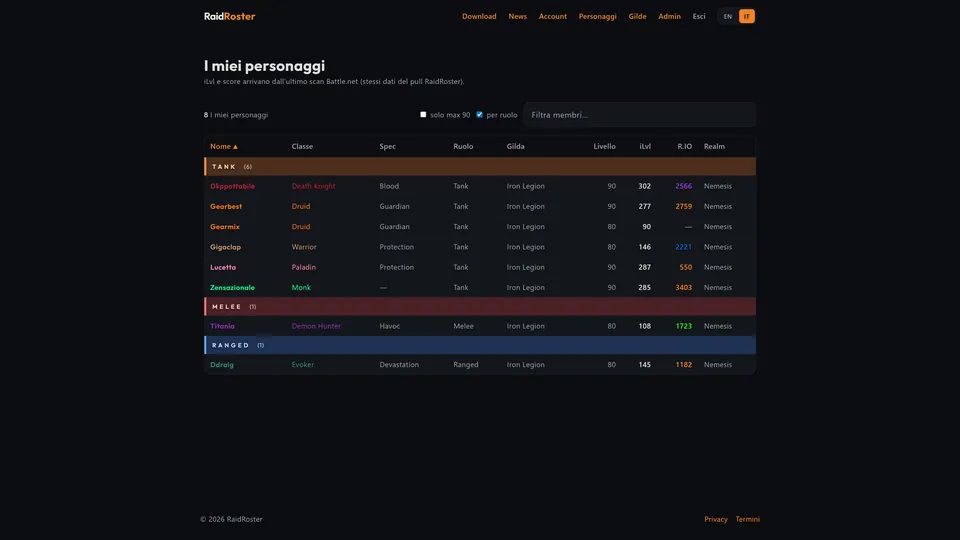
Character list on the site, with iLvl and score from the Battle.net scan

Windows client

What sync is for

Watch stays on and links the game to the site. It pulls iLvl and score into Guild Tool, and pushes roster and calendar when you edit in-game. On the site you review characters and guilds from the same Battle.net scan.

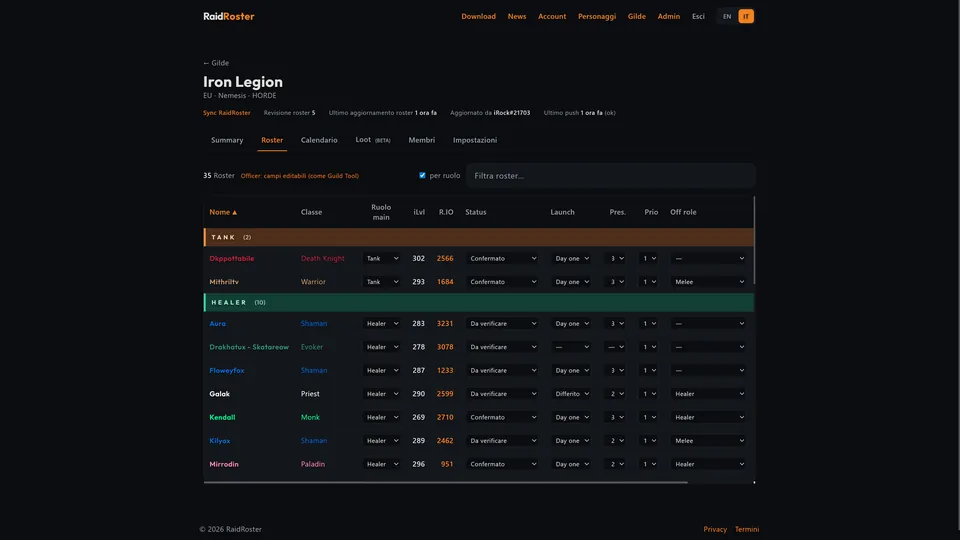
Guild hub Roster tab with roles, iLvl, and status

RaidRoster Guild Tool

Roster and calendar, in-game and on the site

In-game you manage raiders, roles, status, and events. The site shows Summary, Roster, and Calendar with the same data — officers can edit those fields from the browser too.

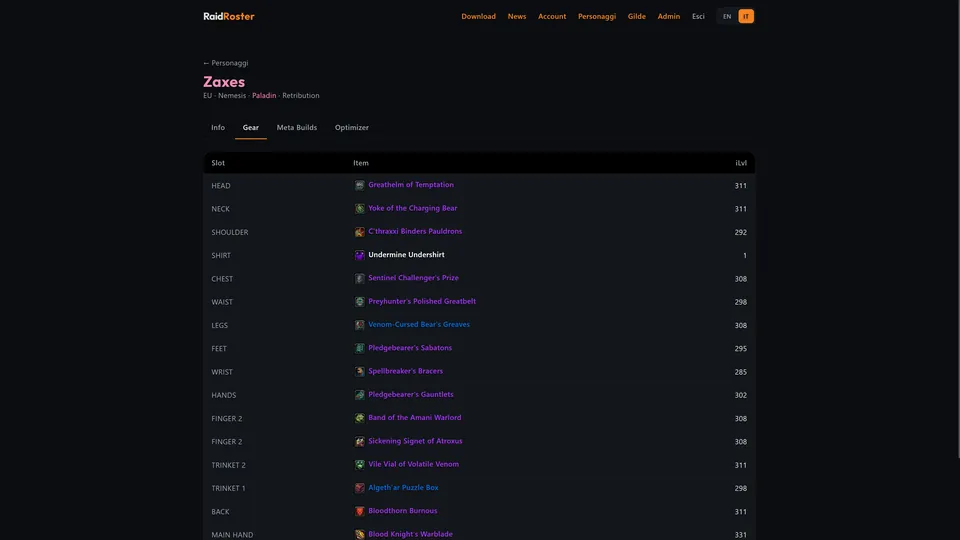
Character gear tab on the site

RaidRoster Class Tool

Gear, Meta Builds, and Optimizer

The character page on the site is the browser version of the addon: Battle.net gear, meta talents, and BiS comparison. Watch writes snapshots into the addon. Free has no Meta Builds; Full is for the entitled guild.

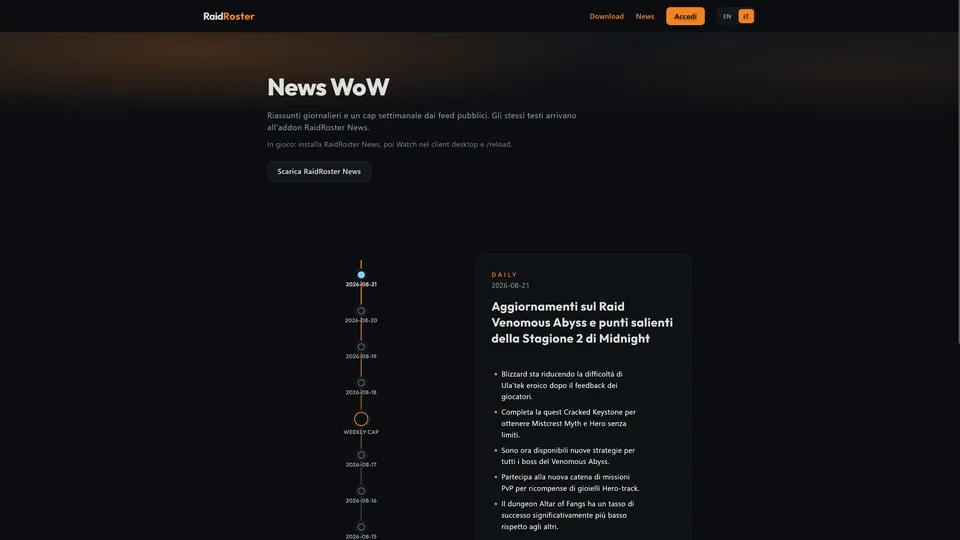
WoW news page with daily and weekly timeline

RaidRoster News

Daily and weekly caps

Recaps from public feeds (Wowhead, Icy Veins, and others). Read them on the site timeline or in-game after Watch and /reload.

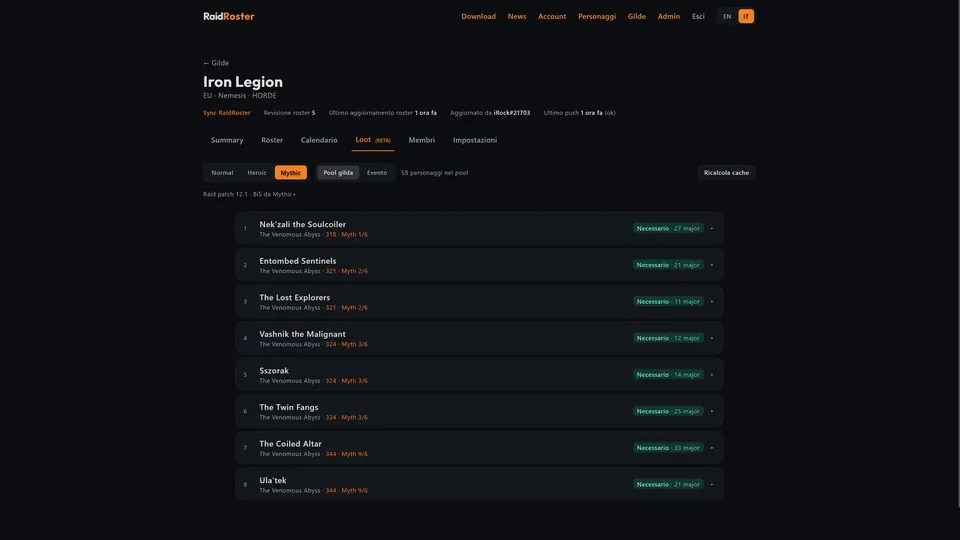
Guild hub Loot tab with BiS needs per boss

Guild hub

BiS loot (beta)

For each boss, see who in the pool needs the item, across Normal, Heroic, and Mythic. Still in progress: BiS calculations may change.

Downloads

Versions · Manifest updated:

  • RaidRoster Sync (installer)

    2.5.25

    .exe
  • RaidRoster Sync (portable)

    2.5.25

    .exe
  • RaidRoster Suite

    1.3.31

    .zip
  • RaidRoster Guild Tool

    2.6.65

    .zip
  • RaidRoster Class Tool (Free)

    2.4.21

    .zip
  • RaidRoster News

    1.5.23

    .zip
  • RaidRoster Enroute

    1.4.27

    .zip
  • RaidRoster Whispers

    1.1.30

    .zip
  • RR Loot

    1.4.82

    .zip
  • RaidRoster Atelier

    1.0.21

    .zip

Download the installer (RaidRoster-Setup.exe). If Windows says “Windows protected your PC”, tap More info then Run anyway. Full steps in the setup guide. Full setup guide

Class Tool Free (no Meta Builds) is public and also published on CurseForge

Sign in & link Battle.net

Register